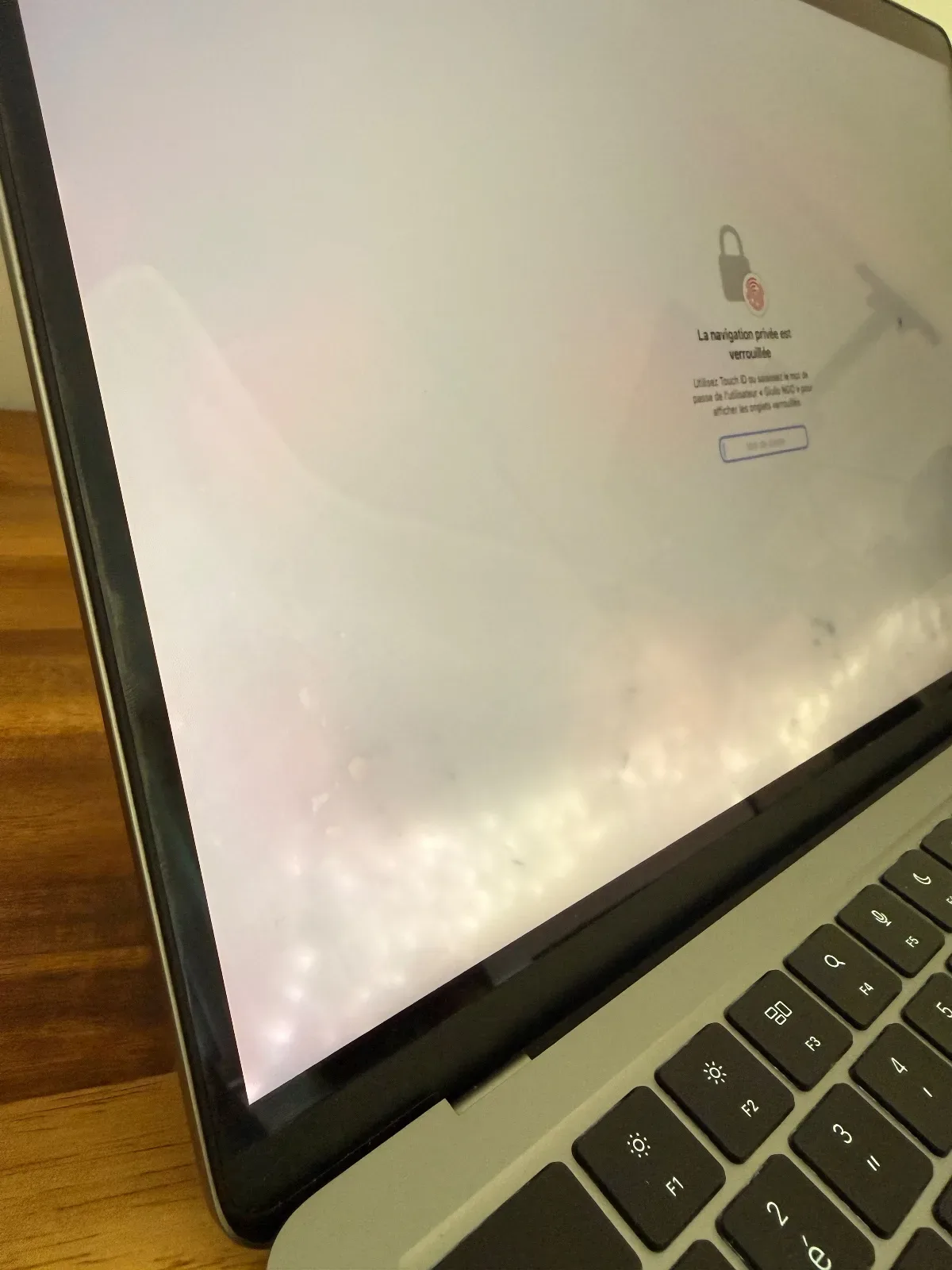
The symptom
The MacBook suffered liquid damage. Water was spilled at the bottom of the screen. The first thing to do is to shut the Mac down completely and bring it in for repair as quickly as possible so the battery can be disconnected to minimize damage.
The MacBook still charged and powered on before the repair, but the screen had a backlight fault. There was no brightness on the screen at all.
The diagnosis
A visual inspection was carried out to assess the damage from the water ingress. At first glance, a thorough cleaning of the motherboard was needed, along with replacement of the daughterboard that handles the angle sensor, Touch ID, and keyboard.
What was done
First, the battery was disconnected, the motherboard removed, then cleaned with isopropyl alcohol.
Some areas were heavily oxidized, so the technician applied flux to all the oxidized areas, then used hot air to redo all the solder joints.
The board was then run through an ultrasonic bath to remove all traces of oxidation. Some capacitors and resistors were replaced, as they were damaged.
After working on the motherboard, the screen's backlight issue remained. This turned out to be caused by the screen's angle sensor, which was oxidized; it was replaced and the problem disappeared.
Result
After deoxidizing all the Mac's components and replacing certain parts, the Mac worked well. Even so, the Mac retained some liquid stains, which cannot be repaired.
The customer was given the choice of keeping the Mac as is or replacing the screen. They chose to keep the screen as it was.