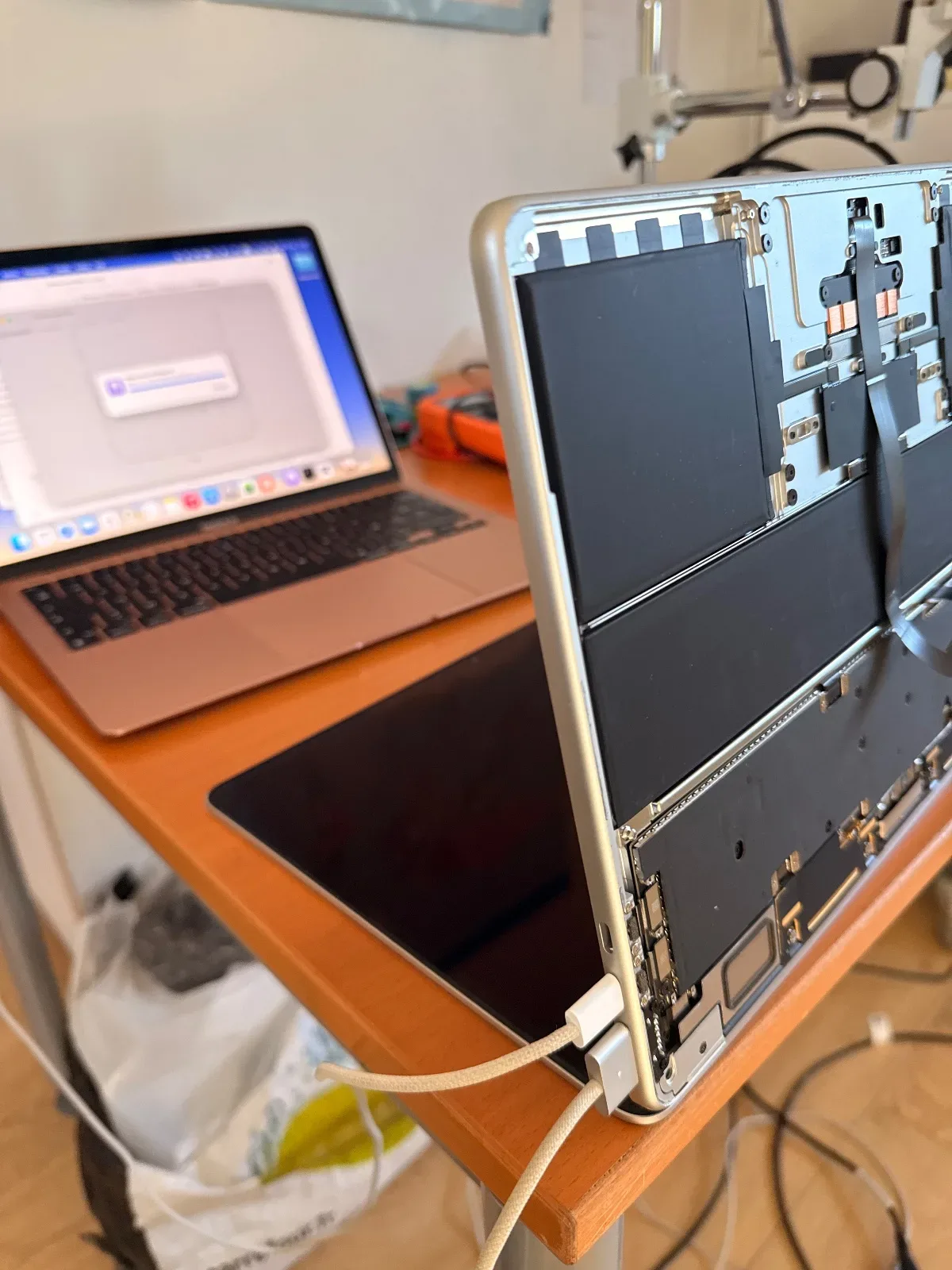
The symptom
The MacBook wouldn't turn on. When the MagSafe charger was plugged in, the LED would light up. The power draw was 20V 3A, so I concluded the Mac was charging.
The diagnosis
This case was quite unusual, as all the voltages needed for the Mac to boot were present, the Mac would enter DFU mode fine, but Revive/Restore wouldn't go through. The following error appeared: "Gave up waiting for device to transition from DFU state to DFU state."
The main suspect then became the SSD. Since it's soldered on, it was necessary to be sure it was actually the cause before replacing it. The SSD's power lines were all present, but the restore error didn't match that of a faulty SSD.
What was done
In this kind of case, it's always worth trying to restore the Mac to an older version of macOS, which was done... and it worked! The Mac woke up and was successfully restored.
Unfortunately, in this case the client's data couldn't be preserved; the client had of course given their consent before this step was carried out.
Outcome
This fault affected quite a few M2 chip MacBook Air/Pro units running macOS 26. I have already repaired 4 MacBooks with the same symptoms using this fix.
The client was able to get their MacBook back, working like new.